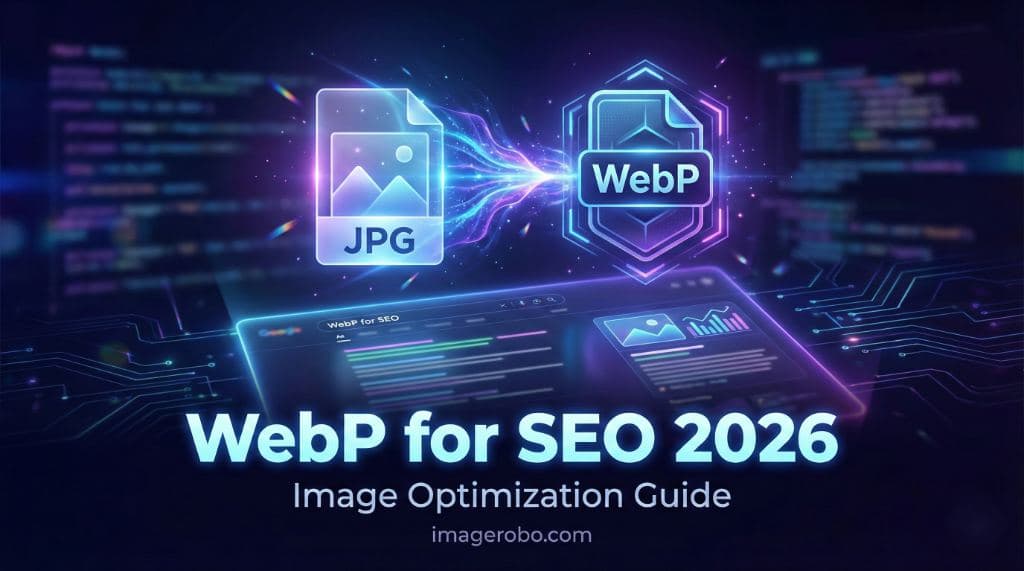
How to Convert Images to WebP for SEO in 2026
SEO in 2026 is no longer just about keywords and backlinks.
Search engines now prioritize page experience, speed, and performance. If your website loads slowly, your rankings will suffer — no matter how valuable your content is.
One of the simplest and most effective technical improvements you can make today is switching your images to WebP.
In this guide, you will learn:
- Why WebP matters for SEO
- How WebP improves Core Web Vitals
- How to convert image to WebP step by step
- Best practices for WebP image optimization
Why Page Speed Directly Impacts SEO
Google measures performance using Core Web Vitals. One of the biggest contributors to slow loading times is large images.
Heavy images can:
- Delay Largest Contentful Paint (LCP)
- Increase bounce rate
- Hurt mobile performance
- Lower overall search rankings
If your homepage banner or blog images are oversized JPG or PNG files, they may be slowing down your entire website.
Fast websites keep users engaged longer. Search engines monitor these positive user signals and reward faster sites with better visibility.
Why WebP Is the Best Image Format for SEO
WebP is a modern image format developed to make the web faster.
Here is why it is considered the best image format for SEO today:
- Smaller file size compared to JPG and PNG
- High visual quality
- Better compression efficiency
- Wide browser support
- Supports transparency
In many cases, converting to WebP can reduce image size by 25 to 40 percent without visible quality loss.
Smaller files mean:
- Faster loading pages
- Better Core Web Vitals
- Improved mobile performance
- Higher SEO potential
What Is WebP Image Optimization?
WebP image optimization is more than just changing the file extension.
It includes:
- Converting the format
- Resizing images to proper dimensions
- Compressing intelligently
- Serving correctly sized assets
For example, if your website displays images at 1200px width, there is no reason to upload a 4000px image.
Before converting, you can
👉 Resize your images properly
to match your layout requirements.
Correct dimensions + WebP format = maximum performance.
How to Convert Image to WebP (Step by Step)
You do not need coding knowledge or expensive software.
You can convert image to WebP directly in your browser using the
👉 ImageRobo Image Converter
Follow these steps:
Step 1: Open the converter page
Step 2: Upload your JPG or PNG image
Step 3: Select WebP as the output format
Step 4: Preview the optimized result
Step 5: Download your new WebP file
That’s it.
Your optimized image is ready for upload.
Additional Optimization Tips for Maximum SEO Impact
To fully benefit from WebP image optimization, combine it with these best practices:
- Use descriptive file names (example: modern-office-desk.webp)
- Add relevant alt text
- Compress before uploading
- Resize to exact layout dimensions
- Avoid uploading raw camera files
If you need further size reduction, you can also use the
👉 Smart Image Compressor
to remove unnecessary metadata and reduce file weight further.
Creative Use Without Slowing Your Website
Once your images are optimized, you can design more creatively without worrying about performance.
For example:
-
Create engaging visual compositions using
👉 Pop Out Collage Tool -
Design eye-catching hero banners by
👉 Adding Text Behind Images
Because your images are exported in optimized WebP format, your SEO performance remains protected.
Frequently Asked Questions
Is WebP supported by all browsers?
Nearly all modern browsers support WebP. For older browsers, most content management systems automatically serve fallback formats.
Does converting to WebP remove alt text?
No. Alt text is part of your HTML code, not the image file itself. Converting formats does not affect accessibility.
What if I cannot change image format?
If you must keep JPG or PNG, you can still reduce file size using the
👉 Image Compressor Tool
to optimize performance.
Should I resize before converting?
Yes. Resizing to proper dimensions before conversion ensures you do not waste bandwidth loading oversized images.
Final Thoughts
In 2026, technical SEO matters more than ever.
Upgrading your image format to WebP is one of the fastest ways to:
- Improve page speed
- Strengthen Core Web Vitals
- Reduce server load
- Enhance mobile performance
- Boost organic rankings
If you want a simple way to implement WebP image optimization, start using the
👉 ImageRobo Converter
Small technical improvements today can create long term SEO gains tomorrow.