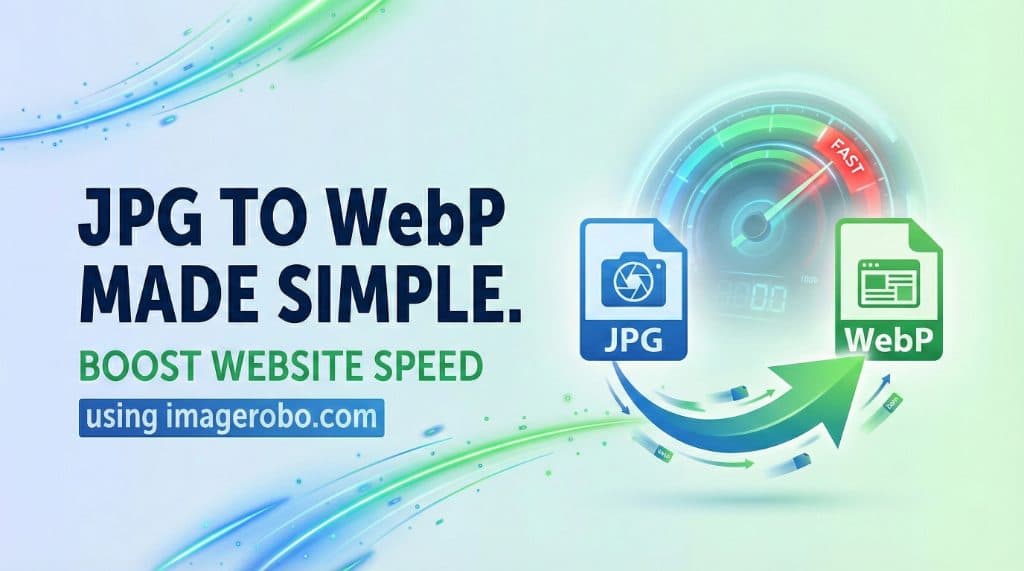
How to Convert JPG to WebP for Faster Websites
Website speed is no longer optional.
If your website takes more than a few seconds to load, visitors leave. Slow loading pages increase bounce rate, hurt user experience, and negatively impact SEO rankings.
One of the biggest reasons websites load slowly is heavy image files — especially large JPG images.
If you are still uploading traditional JPG files directly to your blog posts or landing pages, it may be time to upgrade your format.
In this guide, you will learn:
- Why JPG files slow down websites
- Why WebP is the best image format for web performance
- How to convert JPG to WebP easily
- How to optimize images without losing quality
Why JPG Files Can Slow Down Your Website
JPG has been around for decades. It was built for early internet speeds, not today’s performance standards.
While JPG works well, it often:
- Produces larger file sizes
- Uses older compression methods
- Includes unnecessary metadata
- Slows down mobile browsing
When users visit your site on a slow mobile connection, heavy JPG images can delay page rendering and affect Core Web Vitals.
That directly impacts your search rankings.
Why WebP Is the Best Image Format for Web Performance
WebP was designed specifically for faster websites.
It offers:
- Smaller file sizes compared to JPG
- High visual quality
- Better compression efficiency
- Support for transparency
- Wide compatibility with modern browsers
In many cases, converting JPG to WebP reduces image size by 30 to 50 percent without noticeable quality loss.
That means:
- Faster page load time
- Improved SEO performance
- Better mobile experience
- Lower bandwidth usage
If performance matters to you, WebP is the smarter choice.
Benefits of Converting JPG to WebP
When you convert JPG to WebP across your website, you will notice:
- Reduced page weight
- Faster loading speeds
- Improved Core Web Vitals
- Lower hosting bandwidth usage
- Better user engagement
If you run an eCommerce store or image-heavy blog, this upgrade can significantly improve performance.
How to Convert JPG to WebP (Step by Step)
You do not need technical skills or software installation.
You can easily use a
👉 WebP Converter Online
Follow these simple steps:
Step 1: Open the converter tool in your browser
Step 2: Upload your JPG image
Step 3: Select WebP as the output format
Step 4: Adjust optimization settings if needed
Step 5: Download your optimized WebP file
That’s it. Your image is now lighter and faster.
Resize Before Converting for Best Results
If your image dimensions are too large, resizing before conversion improves performance even more.
For example:
- Blog images rarely need to exceed 1200px width
- Product thumbnails can be much smaller
- Hero banners should match layout size exactly
You can
👉 Resize your images
before converting to ensure perfect fit and maximum speed.
Creative Uses Without Slowing Your Website
Optimized images allow you to design more creatively without worrying about performance.
For example:
-
Create engaging visuals using a
👉 Pop Out Style Collage Tool -
Design transparent images with the
👉 Background Remover
Because you export in WebP format, your designs stay fast and SEO friendly.
Frequently Asked Questions
Does WebP support transparency?
Yes. WebP supports transparent backgrounds, unlike traditional JPG files.
Will I lose quality when converting JPG to WebP?
You can choose lossless settings to maintain full quality or balanced compression for smaller file size with minimal visible change.
Should I compress images after converting?
If you need additional size reduction, you can use a
👉 Picture Compressor
to remove extra metadata and reduce file weight further.
Is WebP supported by all browsers?
Almost all modern browsers support WebP. For older browsers, fallback formats are usually served automatically.
Final Thoughts
Speed is critical for modern websites.
Switching from JPG to WebP is one of the simplest upgrades you can make to:
- Improve website speed
- Boost SEO rankings
- Enhance mobile performance
- Reduce bandwidth costs
If you want faster pages without sacrificing visual quality, start using the
👉 ImageRobo Converter
today and upgrade your website performance instantly.